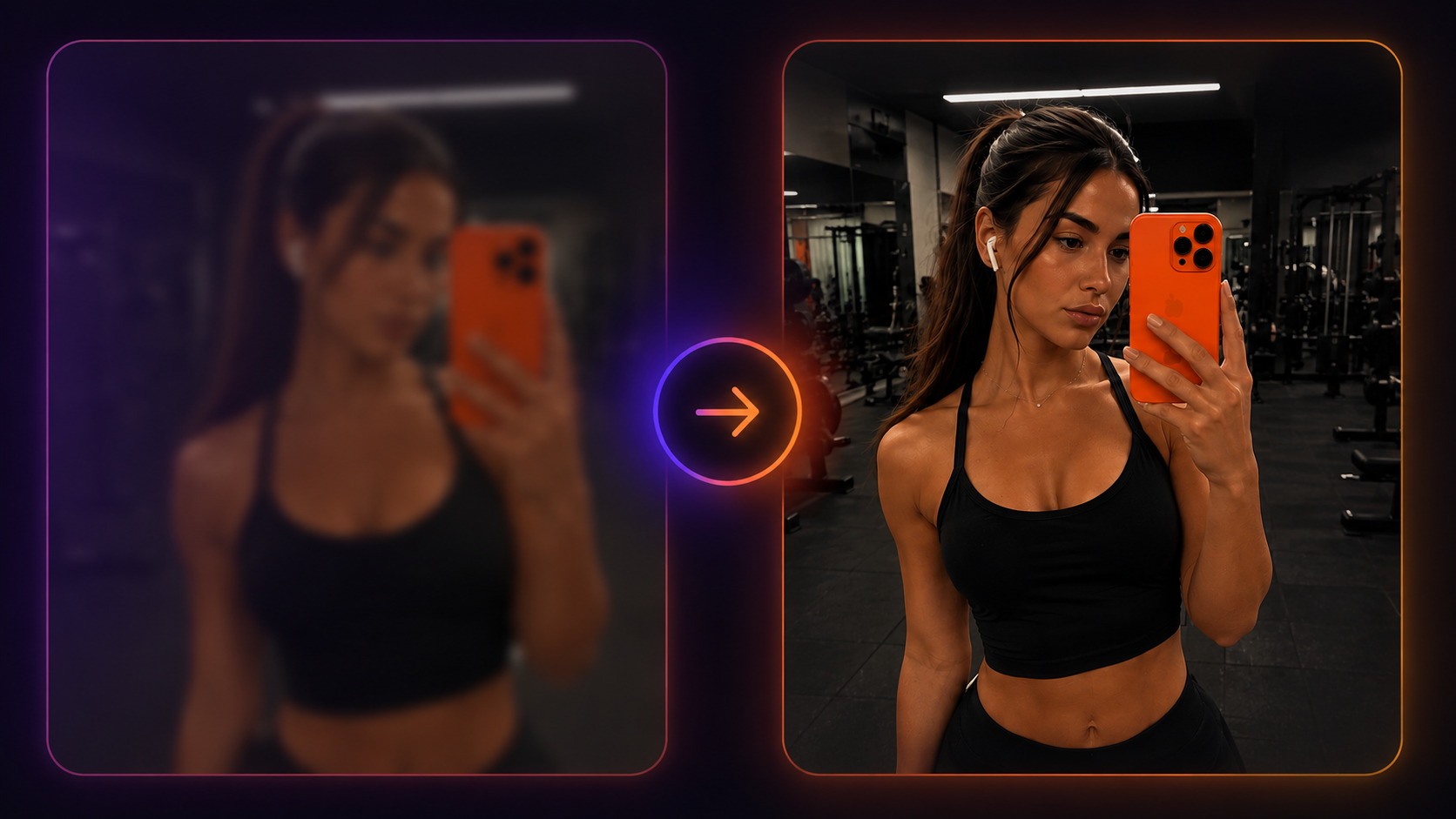
The best results start with the right source image. AI works more accurately with photos where the subject is clearly visible, the frame is not overloaded with details, and the image quality is high enough to read the face, body, pose and clothing.
Poor photo
These photos can produce weaker results.

Blurry photo
No sharpness or detail
Poor lighting
The photo is too dark or has heavy shadows
Face is hidden
Hair, hands or accessories cover the face
Several people
There are multiple people or extra objects in the frame
Cropped frame
The full body or important body parts are not visible
Good photo
These photos produce better results.
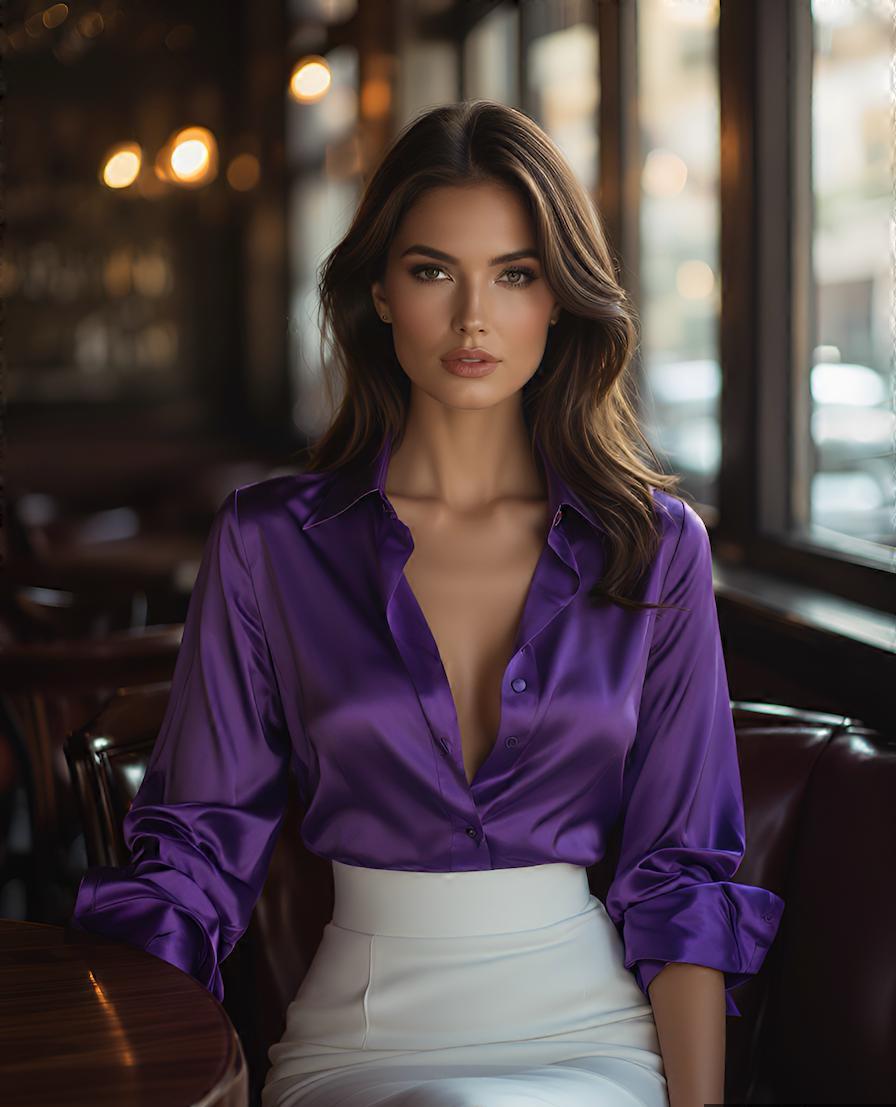
Sharp photo
High quality and good sharpness
Good lighting
Bright and even lighting
Face is visible
The face is open and not covered
One person
Only one person in the frame, clean background
Body is visible
The frame does not cut off important body parts
Quick checklist before uploading
- Choose a photo with only one person in the frame.
- Make sure the face is open and well lit.
- Check that the pose, body shape and important body parts are visible.
- Avoid blur, heavy compression and very small resolution.
- Do not use photos of people without their explicit consent.
One person in the frame
Upload photos with only one person in the frame. If there are several people, the model can confuse the subject, pose, hands, face or clothing details. A single-subject frame reduces artifacts and makes the result more stable.
Lighting and image quality
Choose photos with good, even lighting. Very dark, overexposed, high-contrast or colored club lighting can hide important details. Soft daylight or studio light usually works best, especially when the face and body are clearly visible.
Full body and clear pose
A full-body image is preferable, especially for scenarios where pose, movement, clothing or legs matter. If legs, hands or body parts are cropped, AI has to reconstruct missing details and the final result may be less realistic.
Open face
The face should be visible from the front or with a slight turn. A strong profile, covered face, glasses, hair across the face, masks and heavy shadows can reduce likeness and generation stability.
Sharpness and resolution
Avoid blurry, pixelated, heavily compressed or very small images. The higher the resolution and sharpness of the source image, the better AI can understand contours, skin, hair, clothing and the overall composition.
Safety and consent
Do not upload images of minors and do not use photos of real people without their explicit consent. The user is responsible for source materials and for how the generated result is used.